We scanned a client site already running Planeta SEO. It scores 96 out of 100 and ranks first in Google for most of the terms in its industry. Even there, the plugin found 171 addresses returning a 404 and one page losing 34 clicks every 28 days. A plugin that reads your database sees none of it.
No CSS or JS on your site · Licence paid once, never expires
"I already run Yoast. Everything is green. Why would I add another plugin?"
We hear this every time Planeta SEO comes up, and we understand where it comes from, because it is true: inside the admin everything really does look tidy.
So we did not take a neglected site. We took the site of a client already running this plugin. Fifty six published pages, every single one with a meta description written, an average score of 96 out of 100, and first place in Google for most of the terms in its industry. That site does what it exists to do.
Which is precisely why it is a good test. On a bad site any tool finds something, and that proves nothing. A tool is worth something only when it finds something on a site that is already good. Here is what it found:
Years of accumulated document and page addresses that were renamed along the way. The site does not fall in the rankings over them, but a visitor arriving from Google or someone else's link hits nothing. Each of those 171 is a person who already made the effort to arrive.
Google does not see an image, it reads its alt text. Without one the image never enters image search and adds nothing to the page it sits on. It is the cheapest gain left on this site, and without a tool you would open 294 images one at a time just to see it.
Thirteen of the fifteen lowest scoring pages have no image to show when the link is shared. You get an empty rectangle instead, and a link that looks empty gets clicked far less. None of it is visible until you actually share the page.
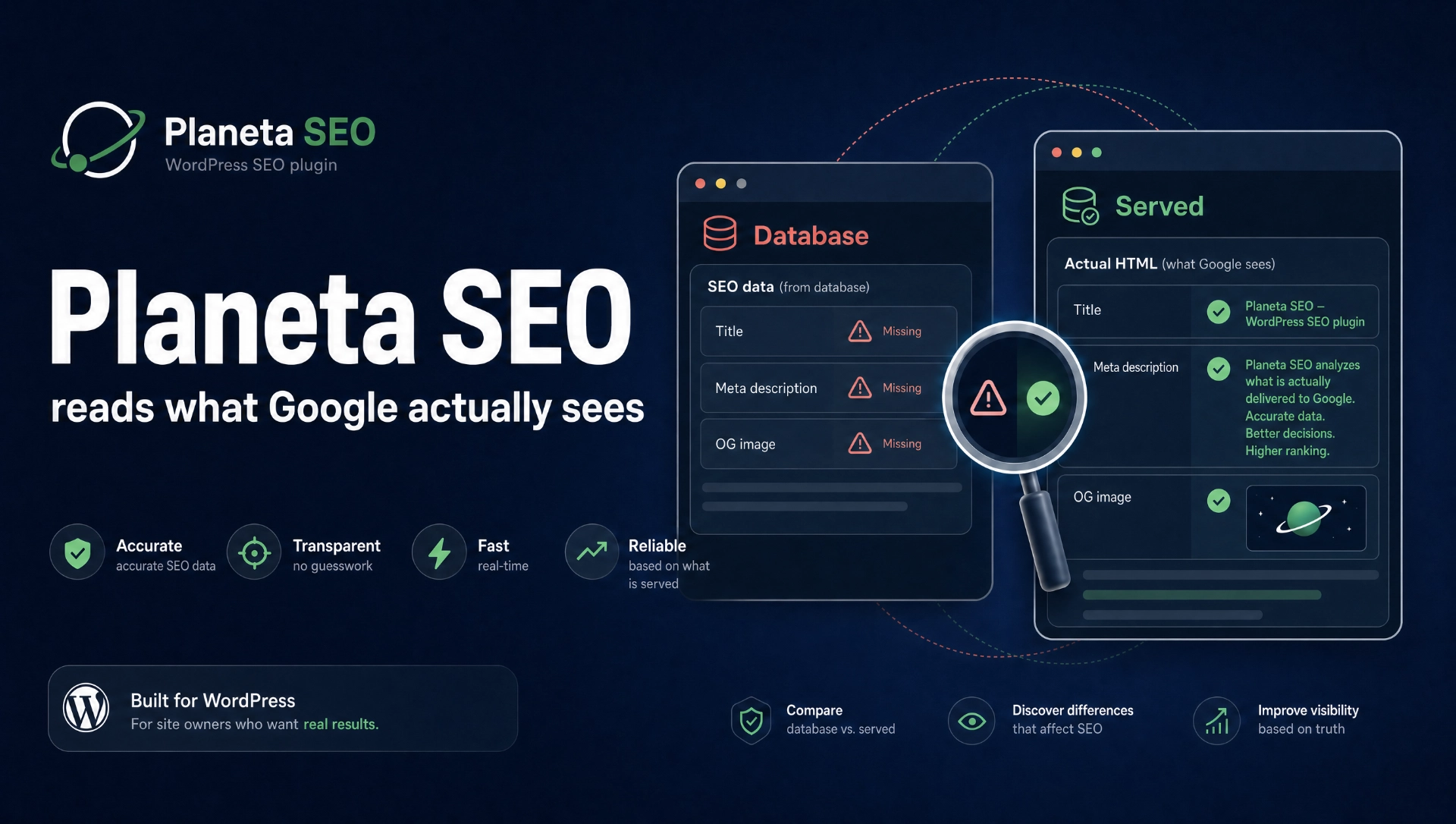
None of those three is a mistake in how the site was built, and none of them drags it down in search. They are the residue every long running site collects as it keeps changing. The difference is that nobody sees them, because what is stored in the database and what is delivered to the visitor are not the same thing, and a tool that only reads the database cannot notice the difference in the first place.
One note, so there is no confusion. This is a snapshot of what was found on 24 August, not a report on a site already fixed. The fixes come next, and we will publish the following measurement when it is done, with the same numbers in the same place, including the times they are not what we hoped for.
There is no magic to it, and that is deliberate. The plugin sends an ordinary request to your own address, exactly as a browser would, reads what the server answered, and compares that with what you wrote.
That site is built with Elementor, like a very large share of WordPress sites. Elementor does not keep its text in the field other tools read. It keeps it in its own record. So an analysis that looks at the database finds either an empty field or a pile of markup.
This plugin does not care what the page was built with, because it reads what the server sent. The same goes for Bricks, Divi and classic themes.
This is what the plugin's own screen says it does: it opens every page as a visitor and looks at what is really in it, the number of H1 headings, images without alt text, how much text there is, the canonical and the structured data.
Results are kept. After the second scan you get a score graph and a list of pages that declined. It is the one screen that proves to a client that work was done, and the one that tells you when you have broken something.
A message like "description is not optimal" helps nobody, because it says neither what was found nor where it is changed. Every finding here has three parts: what was found, why it is a problem, and which screen you fix it in.
It is written so that somebody who is not an SEO specialist can follow it, because that is usually who is sitting in front of WordPress.
| Site name. The total length is now 74 characters. Over
60 and the end will not be visible in search results. Look in your
theme settings, usually as an option for the site name in the title.
This is not a detail and it is not rare. A tool matching an exact string does not know that „nameštaj", „namestaj" and „намештај" are one word, so on a perfectly correct page it reports the keyword as absent. You then go and fix something that was never broken.
nameštaj, namestaj and
намештај all match.
The same applies to finding pages competing for one keyword, and to internal link suggestions. A page in Latin script can offer a link to a page in Cyrillic.
Titles, descriptions, heading order, accidental noindex, server headers, and whether the answer follows the subheading.
Clicks, impressions and positions per page, plus the calculated gap between your CTR and what is normal for that position.
Bulk editing without opening page after page. Saved the moment you leave a field, with no submit button.
A list of pages with no incoming internal link, each with a suggestion of where such a link would be natural. And a check that existing links still work.
CSV import and export, bulk actions on logged 404s, and a record of how many times each dead address was hit.
A page prepared for printing to PDF. Site score, how it moved over time, and the list of what gets worked on next month.
The plugin ships no CSS and no JavaScript to your visitors, and adds no queries per request. Everything it does happens in the admin or in the page header.
That is not a marketing line but a rule kept through every release. And you
do not have to take our word for it. Install the free version, open any
page of your own, press Ctrl and U, and search the source for the word
planeta. You will find meta tags and structured data. No
files.
Why it is a rule rather than an accident: every extra file slows the page down for every visitor, every day, in exchange for work that happens once a month inside the admin.
We put this before the purchase rather than after it, because that is cheaper for both of us.
Nobody serious can promise that, because Google decides position, not a plugin. What this plugin does promise is to show you what was actually delivered, and you can verify that the same day.
There is no content generation here. The plugin tells you the title is short, the description is missing and the page has no share image. What goes in there is your call, because you know your trade.
Connecting to Google Search Console asks you to create your own OAuth credentials in the Google Cloud console. That is about ten minutes with a step by step guide. It works this way because the plugin is open source, so an embedded key would be visible to everyone and Google would revoke it.
Everything you have read here came off one site, from one scan that took about a minute. That site is good, and that is not a figure of speech: 56 pages, every one with a meta description, first place in Google for most of the terms in its industry.
Which is the whole point. Ninety six out of a hundred is close to the top. And still, 171 addresses returned an error, 294 photographs carried no description, and a page Google had put fourth on its own was losing 34 clicks every 28 days because its title gave nobody a reason to click. Those are not build mistakes. They are the last few per cent, and you do not get to them by looking. You get to them by measuring.
Planeta SEO does not rescue bad sites. It shows you what is left on good ones. This case study carries on through the rest of the site: on What it does every feature is explained through what it found on that same site, and the FAQ answers what people usually ask once they have seen a report like this.
Your site has a list of its own, longer or shorter. The only question is whether you get to see it.
The free version is not a trial. It runs with no time limit, on one site. If you later need the rest of the tools, the licence is paid once and never expires.
See the plans